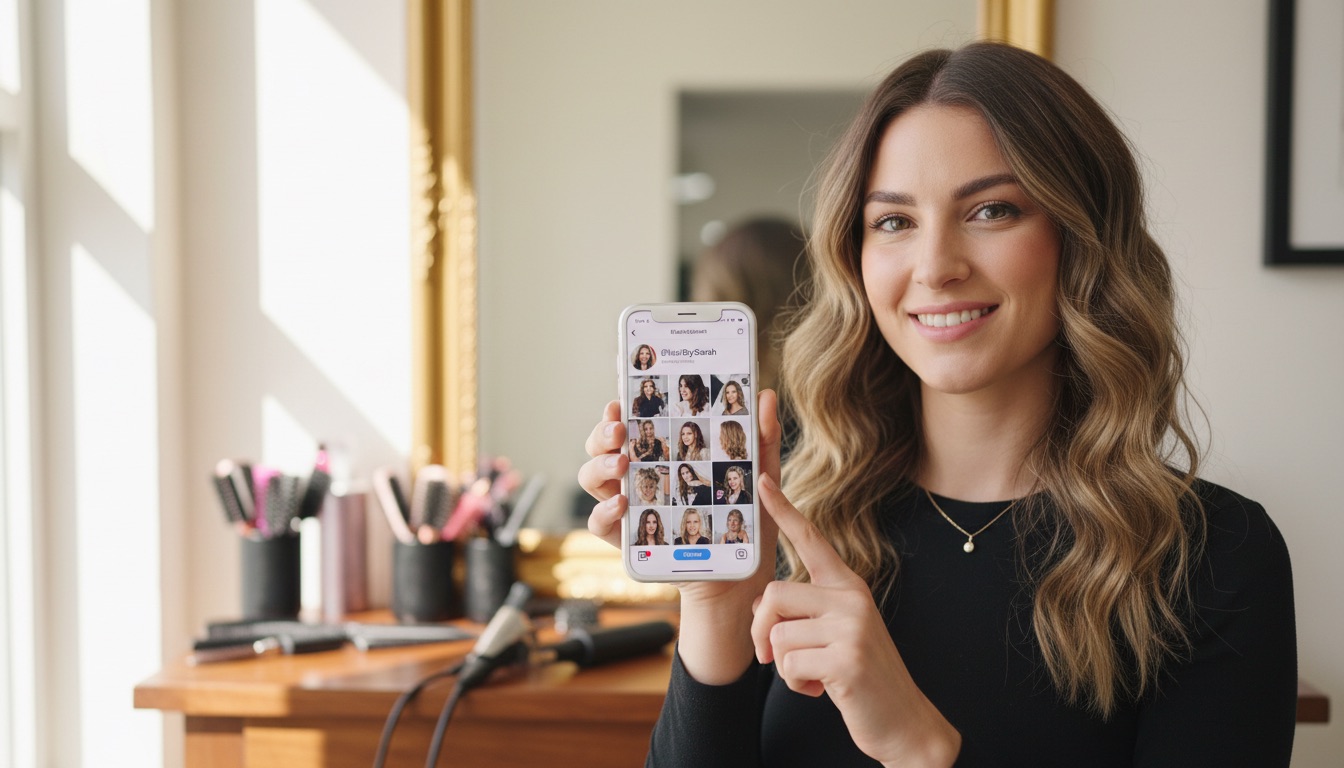
Your Instagram is where clients discover you. Your booking page is where they become paying clients. Connecting the two takes 5 minutes and can bring in bookings while you sleep.
Why a booking link matters more than you think
Most salon clients under 40 find new stylists on Instagram. They scroll through your work, check your vibe, maybe read a few comments — and then they make a decision. They either book or they move on.
The gap between "I love this stylist's work" and "I'm going to book" is tiny. If there's a booking link right there, they tap it. If there isn't, they tell themselves they'll come back later — and most of them never do.
Think about your own behavior on Instagram. When you see something you want, you want it now. You don't want to Google the business, find their website, navigate to a booking page, and figure out how to schedule. That's too many steps. A direct link removes all of them.
Every day without a booking link in your bio is potential revenue walking away.
What you need before you start
You need an online booking page with a shareable URL. If you're using salon software with online booking, you already have one. Clients visit the page, pick the service they want, choose their stylist, select a time, and confirm — all without calling you.
If you don't have online booking set up yet, that's the first step. Most salon software makes this straightforward to configure. Once your booking page is live, you'll have a URL you can share anywhere — Instagram, Google Business Profile, text messages, email signatures, and more.
Step 1: Copy your booking page URL
Log into your salon software and find your public booking page. Copy the URL.
In SupaDay, your booking link looks like: supaday.app/site/your-salon-name
Keep it simple and clean. If your software gives you a long URL with tracking parameters, see if there's a shorter version. A clean URL looks more professional and is easier to remember.
Step 2: Add the link to your Instagram bio
- Open Instagram and go to your profile
- Tap Edit profile
- Find the Website field
- Paste your booking link
- Tap Save (or the checkmark)
That's it. Now every visitor to your profile sees a clickable link. On most Instagram layouts, it appears right below your bio text as a tappable URL.
If you're using a link-in-bio tool (like Linktree), put your booking link at the very top of your link list. Don't bury it below your TikTok, your product recommendations, and your Spotify playlist. Booking is the action that makes you money — it goes first.
Step 3: Add a call-to-action in your bio text
The link alone isn't enough. You need to tell people what to do with it. Add a clear line in your bio like:
Book your next appointment below
Or:
Tap the link to book your next visit
Keep it simple. Your work speaks for itself; the bio just needs to point people to the booking page. Don't crowd it with hashtags, quotes, or emojis that distract from the action you want them to take.
Here's a solid bio structure for a salon:
- Line 1: What you do and where (e.g., "Color specialist | Downtown Austin")
- Line 2: Something that sets you apart (e.g., "Lived-in blondes & dimensional brunettes")
- Line 3: Call-to-action (e.g., "Book your appointment below")
Step 4: Use the link in your Stories
Your bio link is passive — it works when people visit your profile. Stories are active — they put the link in front of people who are already watching.
Whenever you post a story showing your work, add a link sticker pointing to your booking page. Label it "Book Now" or "Book This Look." Stories with a booking link sticker consistently outperform those without because they catch clients in the moment of inspiration.
Best practices for Story booking links:
- Post the finished result first, then add the booking link on the next slide. Let them fall in love with the work before you ask for the action.
- Use it on before-and-after reveals. These are your highest-engagement Stories, and they attract clients who want the same transformation.
- Don't overdo it. A booking link on every single Story feels pushy. Use it on your best work — the posts that make people think "I want that."
Step 5: Mention it in your posts
Your feed posts reach a different audience than your Stories. When you post a particularly striking result, include a note in the caption:
"Loving this dimensional balayage. Booking link in bio if you want something similar."
That single line turns a portfolio post into a lead generator. You don't need to be salesy — just tell them where to go if they're interested.
Track what's working
Most salon software shows you where bookings come from. Pay attention to how many bookings come through your online booking link after you add it to Instagram. If you're seeing 2-3 new bookings a week from Instagram alone, that link is already paying for your software subscription.
If bookings aren't coming in, look at your content. Are you posting consistently? Are you showing finished results that make people want to book? The link is the bridge, but your content is what drives people across it.
The bottom line
This takes 5 minutes and pays for itself with the first booking it brings in. Add your booking link to your bio, write a clear call-to-action, use link stickers on your best Stories, and mention it in your captions. If your Instagram doesn't have a booking link right now, stop reading and go add one.