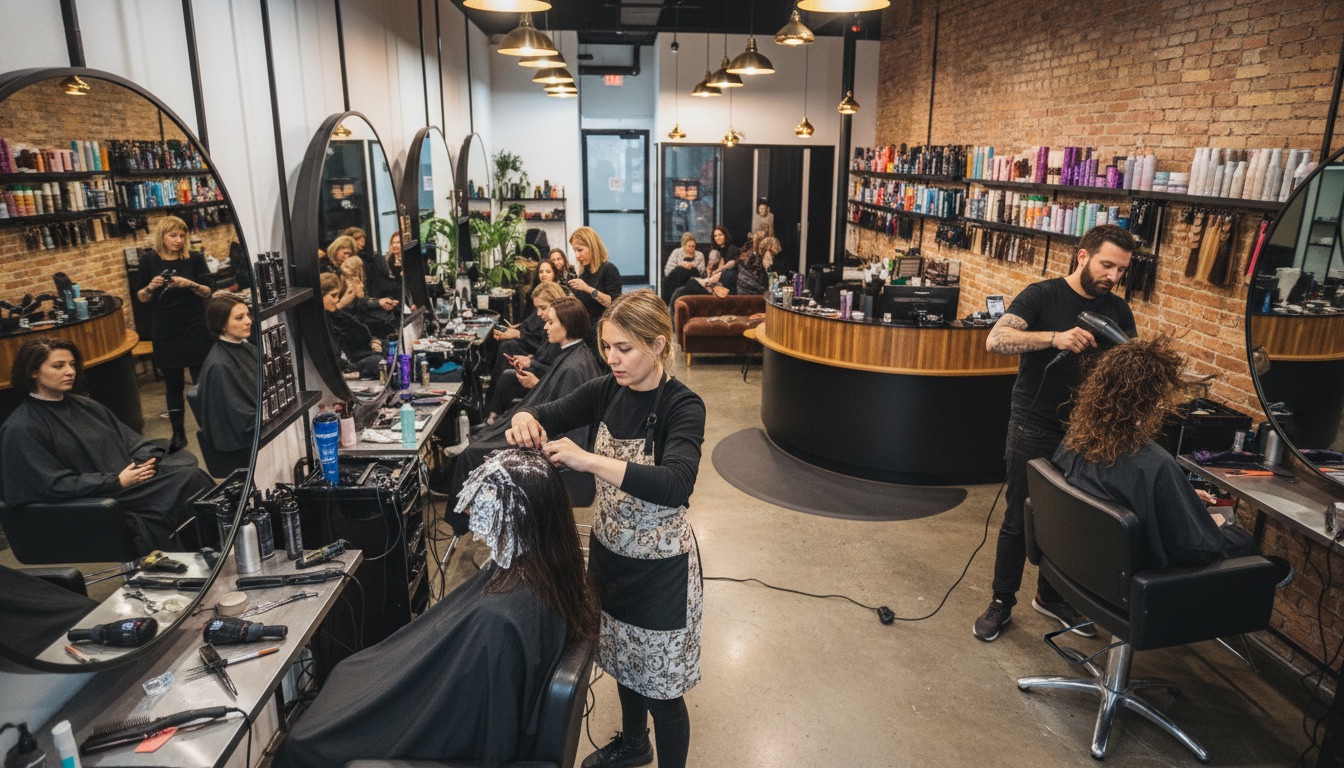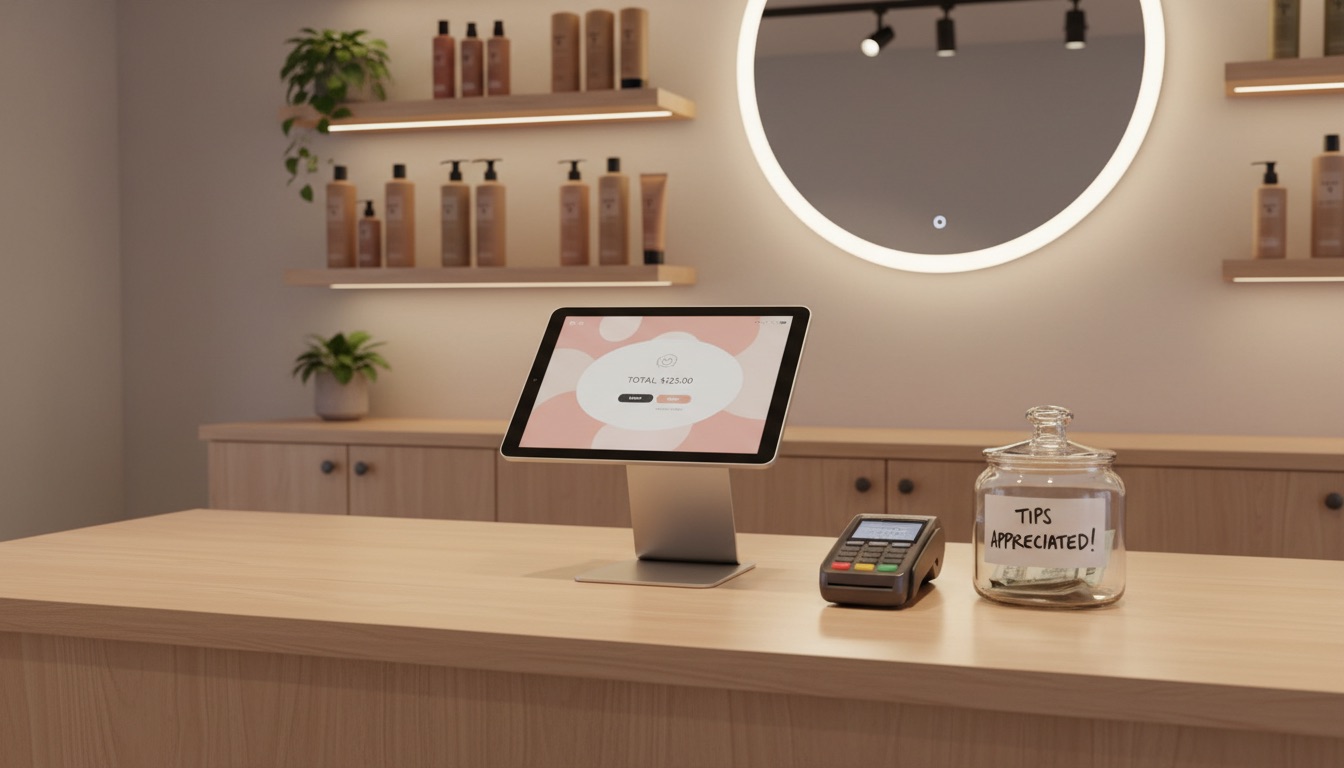
A generic retail POS doesn't understand your business. It's built for scanning barcodes and printing receipts. You need something that handles walk-ins alongside appointments, splits payments between stylists, and tracks tips without extra spreadsheets.
Why generic POS systems fall short for salons
Retail POS systems assume every transaction is the same: a customer picks a product, you ring it up, they pay, done. Salon transactions are more complex.
In a typical salon checkout, you need to know which stylist performed the service, what the service was, whether the client is tipping, and how that tip gets split. You might have a client paying for a cut and color done by two different stylists. Or a client using a gift card for part of the bill and a credit card for the rest.
A retail POS can process the payment, but it can't connect that payment to the right stylist, track the tip, or calculate the commission. You end up doing that manually — which means more work at close-out and more room for errors.
Key features to look for
Appointment-linked checkout
The best salon POS systems pull in the appointment details automatically. When a client checks out, their services, provider, and pricing are already loaded. No manual entry, no searching through a list of services, no mistakes.
This matters more than it sounds. Manual entry is where errors happen — wrong service selected, wrong price keyed in, wrong stylist assigned. When checkout pulls directly from the appointment, every transaction starts accurate.
For walk-in clients, you should be able to create a quick ticket without needing a full booking. The POS should handle both workflows smoothly.
Built-in tip handling
Tips are a major part of stylist compensation, and tracking them shouldn't require a separate system. A salon POS should capture tips at the point of payment — whether the client tips on the card terminal, leaves cash, or adds a tip to a check.
Those tips should flow directly into your commission tracking so you can see exactly what each stylist earned. If your POS and commission system are separate, you're doing double data entry and increasing the chance of errors that lead to payroll disputes.
Split payment support
Clients pay in combinations. Half cash, half card. A gift card for the first $50 and a debit card for the rest. Store credit from a previous visit plus the balance on a credit card.
Your POS should handle split payments without workarounds. If your front desk has to do math on a calculator to figure out the remaining balance, or if they need to run two completely separate transactions, the system is slowing you down.
Look for a POS that supports card, cash, check, gift card, and store credit — and lets clients split between any combination of those methods on a single ticket.
Commission calculations
For salons that pay stylists on commission, the POS should calculate each stylist's earnings automatically based on the services they performed. Set a flat commission percentage, or customize rates for specific services, and let the system handle the math.
At the end of the pay period, you should be able to pull a report showing each stylist's services, commissions, and tips — all broken out clearly. No spreadsheets, no manual tallying.
Revenue reporting
At the end of the day, you want to see total revenue broken down by service, product, and staff member — without exporting anything. Good reporting shows you which services are driving the most revenue, which stylists are booked solid, and how your daily totals trend over time.
Look for reporting that's built into the POS, not bolted on as an afterthought. If you have to export data to a spreadsheet to make sense of it, the reporting isn't good enough.
Payment processing: keep it simple
Some POS vendors push expensive proprietary hardware or lock you into their payment processor with long-term contracts. Be cautious of systems that charge monthly terminal rental fees on top of processing rates.
SupaDay's POS uses Stripe for payment processing, which means transparent pricing, no proprietary hardware lock-in, and support for tap-to-pay on standard card readers. The less hardware you're locked into, the better.
Key questions to ask any POS vendor:
- What are the processing fees? Look for interchange-plus pricing or transparent flat rates.
- Can I use my own card reader? Proprietary terminals often come with rental fees and long contracts.
- Is there a contract? Month-to-month is always preferable to annual lock-ins.
What about product sales?
If you sell retail products (shampoo, styling tools, etc.), your POS should track product sales separately from service revenue. This keeps your reporting clean and helps you understand which revenue streams are growing.
The ability to add products to a service ticket is important too. A client who just got a blowout is far more likely to buy the product their stylist used if it's easy to add at checkout.
Skip the all-in-one trap
Some POS companies try to sell you an entire business management suite when all you need is better checkout. Others sell you a bare-bones payment terminal and charge extra for every feature that actually matters.
The sweet spot is a POS that's built into your salon management software. When your appointments, payments, tips, commissions, and reporting all live in the same system, every part works together without manual bridging.
The bottom line
Your POS should make checkout faster, not slower. Look for appointment-linked checkout, built-in tip tracking, split payment support, and automatic commission calculations. If your current system requires more clicks than a conversation with your client — or if you're still reconciling tips in a spreadsheet at the end of the week — it's time to look at something built for salons.