Use this checklist once you have a target opening date. If equipment, utilities, or local approvals are still pending, check those dates before you promise clients an opening weekend.
30 days out — Plan staffing for both salons
Name a lead and a backup for each salon, then schedule the first two weeks at both shops. Start with the original salon’s busiest hours so opening the new shop leaves enough people to cover the appointments you already have.
- Work out who keeps the first salon running. Give each shop a lead and a backup. Agree on who can handle a callout, move an appointment, approve a refund and close the shop while you're across town.
- Block travel time between shops. If a stylist works at the original salon until noon and takes 30 minutes to get across town, start their next shift at 12:45. That gives them time to set up before the first client arrives.
- Check what could move the opening date. Confirm access to the space, utilities, internet, equipment delivery and any local requirements that need to be cleared before opening. Give each item an owner and a due date.
- Choose which services to offer first. Match the opening menu to the staff, chairs and equipment available that week. Add services as the team gets comfortable.
14 days out — Set up the new salon’s booking link
Give the second salon its own online booking page, calendar, and checkout setup. Open both booking pages side by side and check that the location name and address are easy to tell apart on a phone.
- Set up the second location's calendar. Enter its address, hours, services and prices. Give each staff member the access and working hours they need at that location.
- Create a booking link for the new shop. Label the two links by neighborhood or street and put both on your website. Use the new link for the new shop's Google Business Profile and launch announcements once the page is ready. Keep the original link on the first shop's listings.
- Agree on how to handle clients who use both shops. Check whether client records are shared or location-specific in your software. Decide who handles requests to move an existing appointment and what information the receiving shop needs.
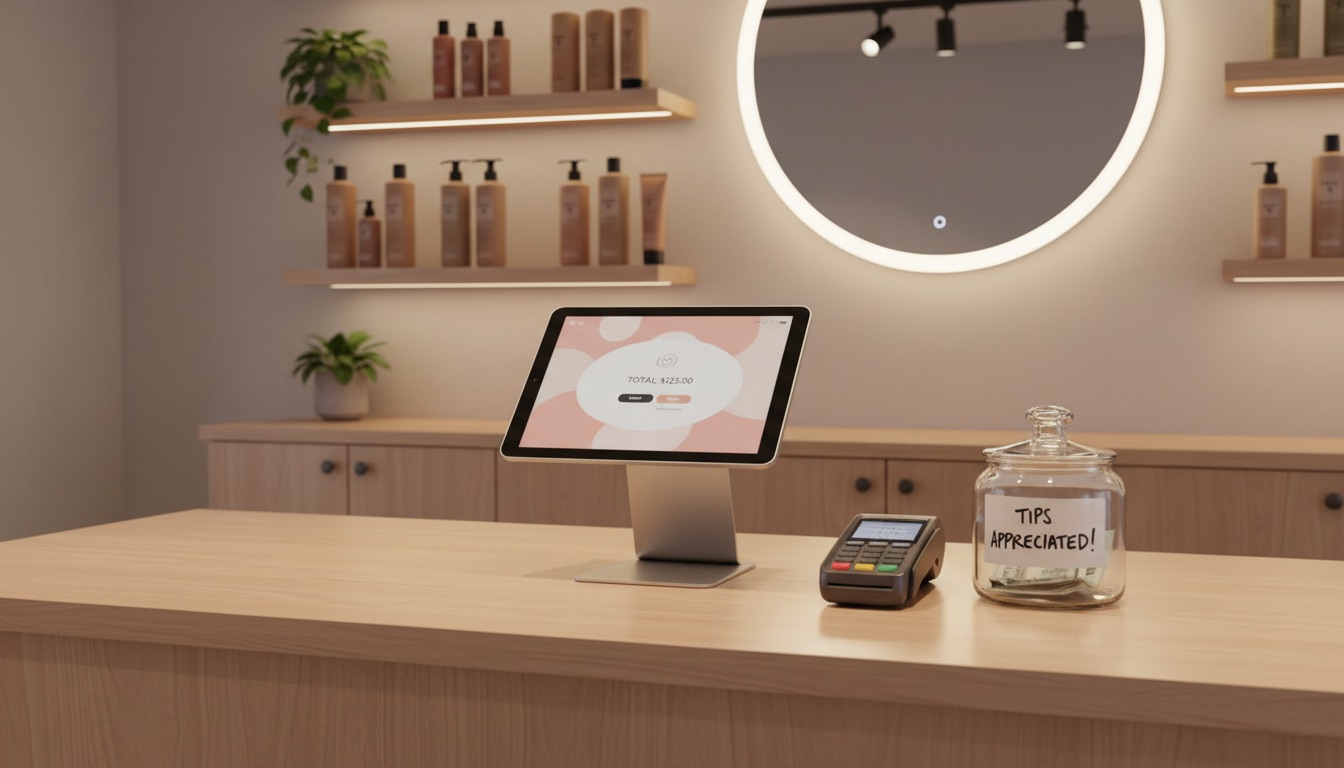
- Set up checkout at the new location. Confirm the payment setup, select the right location on the front-desk device, and decide who checks the first day's sales and staff totals. Check that the front desk knows who can correct a ticket or issue a refund.
With SupaDay Business, the account owner can add a location from More → Locations → Add Location. Each salon gets its own calendar, client list, and booking page. Invite stylists who work at both shops with the same email address so they use one login and count once toward billing.
Seven days out — Test booking, reminders, and checkout
Run one test appointment all the way through before you release opening-week slots. Ask someone who had no part in setup to use the public link on their phone and choose a service and stylist you plan to offer.
- Book. The page shows the new shop's address, correct prices and available staff. Try both public calendars for any stylist who works at both locations.
- Confirm. The appointment lands on the new shop's calendar. Check the address and time in the confirmation and any reminder. Try changing or cancelling the test booking using the same process clients will use.
- Check in and check out. Have the front desk find the booking at the second shop and walk through checkout, including the tip and receipt. Use your payment provider's test mode if available. Check that the sale appears under the right shop and stylist.
- Open a few slots. Invite a small group of clients to book and ask the front desk to flag wrong-location bookings, scheduling conflicts or confusing messages before you announce the opening more widely.
Opening week — Review both salons daily
Have each lead check the day’s bookings and staff coverage before opening. At close, compare completed visits and checkout totals by location. Ask both leads to flag clients who went to the wrong address or showed up for a stylist working across town.
Fix recurring problems before releasing more slots. For example, if clients keep selecting the original shop on your website, put each street address next to its booking button and have someone try the new links on a phone. Once the opening rush settles, use the guide to managing multiple salon locations to set up your regular reporting and handoffs.
Printable checklist for opening a second salon location
| Done | Due | Task | Owner |
|---|---|---|---|
| ☐ | 30 days out | Name a lead and backup for each shop | |
| ☐ | 30 days out | Confirm staffing, equipment and opening dependencies | |
| ☐ | 14 days out | Set up hours, services, prices and staff access | |
| ☐ | 14 days out | Create and label both booking links | |
| ☐ | 14 days out | Confirm checkout setup at the new shop | |
| ☐ | 7 days out | Test booking, reminders, rescheduling and checkout | |
| ☐ | 7 days out | Release the first appointments and collect feedback | |
| ☐ | Opening week | Review bookings, staffing and sales by location |
The bottom line
Give each shop clear staffing coverage and its own booking link, then test one visit from booking through checkout before opening the calendar. If you're still choosing a system, see the multi-location software comparison. You can test the first shop’s booking flow with SupaDay for hair salons and add the second location when you upgrade to Business.