Your front desk has a problem you've accepted as normal. A client walks in, your receptionist checks the book, calls out to the floor to find out who's free, and the client stands there awkwardly while everyone figures it out.
Multiply that by 30 walk-ins a day and it's not just awkward — it's slow, messy, and costs you clients who leave when the wait feels disorganized.
A customer check-in system fixes this by giving every client a clear path from the door to the chair — and giving your team a live view of who's waiting and who's next.
1. Appointment clients check themselves in
A client with a 2pm color appointment walks in at 1:55. Instead of waiting for your receptionist to look them up, they scan a QR code at the front desk, type their phone number, and the system finds their appointment instantly.
Their stylist sees the check-in appear on the turn tracker in real time. No conversation needed, no interrupting a stylist mid-cut to tell them their next client is here.
This is how SupaDay's check-in works — the client types their phone number, the system finds their appointment and greets them by name, and they see a simple confirmation: "You are checked in!" The whole thing takes 10 seconds.
Why this matters: Your receptionist currently spends time on every arrival — looking up the appointment, confirming the service, walking to the floor to tell the stylist. Check-in eliminates all of that. The stylist gets a notification, the client sits down, and your receptionist is free to handle the phone or help the next person.
2. Walk-ins join a queue instead of asking "who's next?"
Walk-in clients scan the same QR code but choose a different path. They can:
- Pick a specific stylist they want to see
- Choose "anyone available" for the next available stylist
Either way, they're added to the queue and see a confirmation that they're checked in. Your team sees the walk-in list on the turn tracker in real time — who's waiting, what service they want, and how long they've been there.
What the client sees: A confirmation screen that they've been checked in. The client then sits down and waits to be called.
What your team sees: The full queue with every walk-in listed in order, which stylist they requested (or if they chose anyone available), their service, and their wait time. When a stylist finishes their current client, they check the tracker and call the next person.
No more shouting across the salon. No more clients feeling forgotten. No more arguments about who was first.
3. Fair rotation protects your team
In salons with commission-based pay, who gets the next walk-in client is directly tied to income. Without a system, the stylist closest to the front desk or the one who's friends with the receptionist tends to get more walk-ins. That breeds resentment.
The turn tracker uses half-turn and full-turn rotation to determine whose turn it is to take the next walk-in. Every stylist can see the queue, so there's no question about whose turn it is. The system tracks it transparently.
This doesn't just reduce arguments — it builds trust. When your team knows the system is fair, they stop competing for walk-ins and focus on giving great service.
4. Your receptionist handles clients, not logistics
Without check-in, your front desk person spends half their time on logistics: looking up appointments, figuring out who's available, relaying messages to stylists, managing the walk-in list on a clipboard. With check-in, that's handled automatically.
Your receptionist can actually welcome clients, answer questions, upsell products, and handle phone calls — the stuff that generates revenue instead of just managing traffic.
The difference is significant. A busy salon with 20-30 walk-ins a day might have the receptionist spending 3-5 minutes per walk-in on logistics. That's 60-150 minutes a day — one to two and a half hours — spent on work a QR code handles in seconds.
How to set it up
You have two options, and both feed into the same queue.
QR code at the door
Print a QR code and place it at your entrance or front desk. Clients scan with their phone camera — no app needed, works on any phone, any browser. This is the lowest-effort option and works great for salons with a mix of walk-ins and appointments.
Tips for placement:
- Put it at eye level near the entrance, not hidden behind a counter
- Add a small sign: "Scan to check in — no app needed"
- Print a few copies in case one gets covered or damaged
Kiosk mode on a tablet
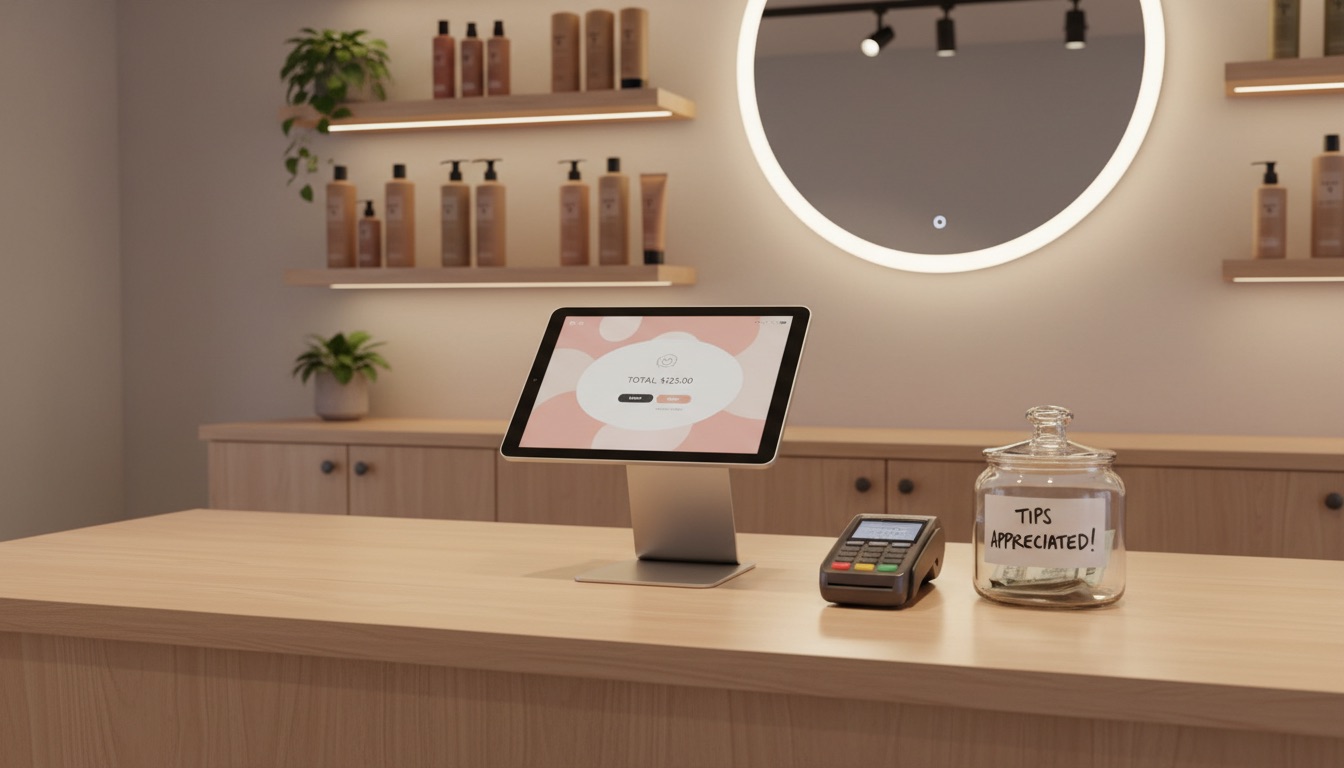
Set up an iPad or Android tablet at your front desk in kiosk mode. Clients see your salon's branding, choose their check-in path, and the screen auto-resets after each client. This feels more polished and works well for high-traffic salons.
Best for: Salons without a full-time receptionist, or salons that want a more professional look at the front desk. The tablet acts as your digital receptionist.
Both options feed into the same queue. Your team sees the same real-time list regardless of how the client checked in.
What your clients actually experience
Here's the full client journey, step by step:
- They walk in and scan a QR code (or tap the kiosk tablet)
- Appointment clients: type their phone number, the system finds their booking, they tap to confirm, and see "You are checked in!"
- Walk-in clients: pick a stylist or choose "anyone available," confirm their service, and see "You are checked in!"
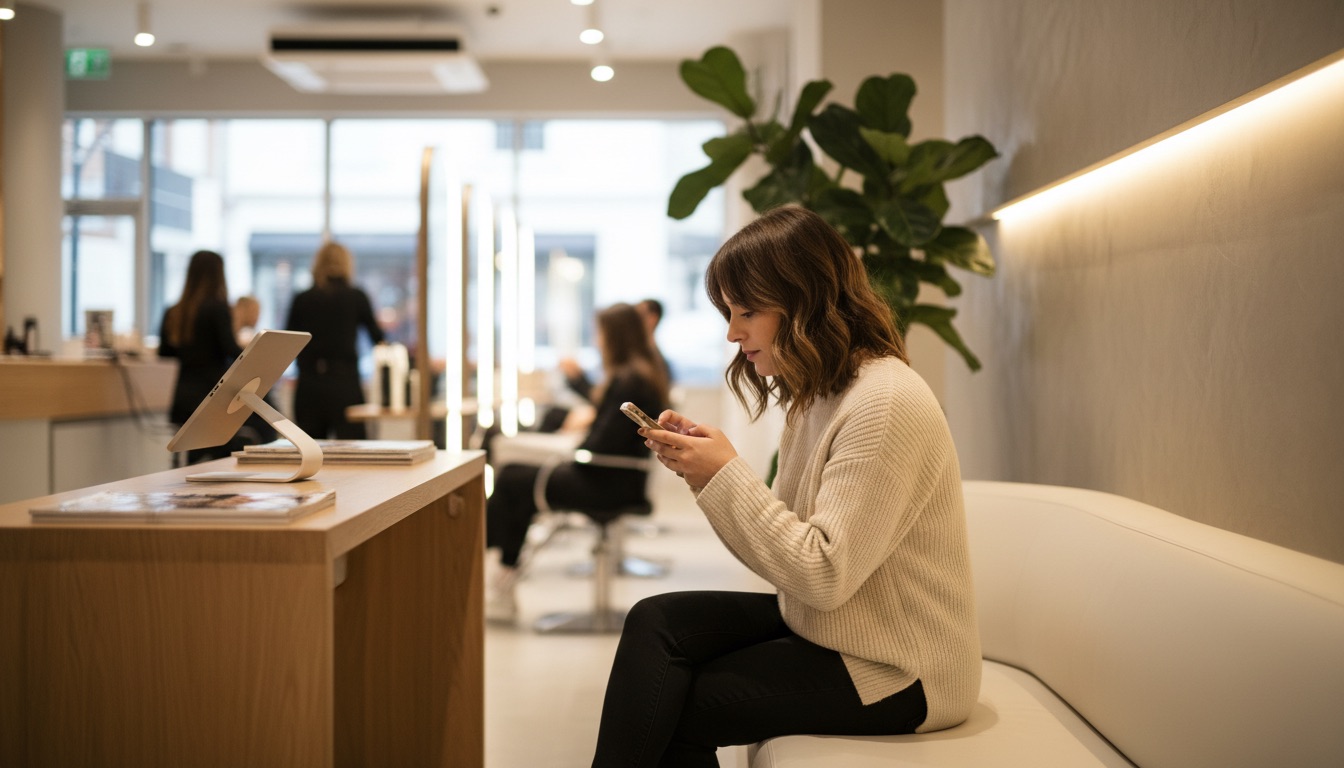
- They sit down and wait to be called
- Their stylist sees the check-in on the turn tracker and calls them when ready
No app downloads. No account creation. No awkward standing around. The client checks in, sits down, and gets called when it's their turn.
The bottom line
A check-in system isn't a luxury for big chains. It's a practical upgrade that removes the single biggest source of front desk chaos: figuring out who's here, who they're seeing, and who's next. Your clients get a smooth arrival, your team gets a fair queue, and your receptionist gets their time back. See how it works.