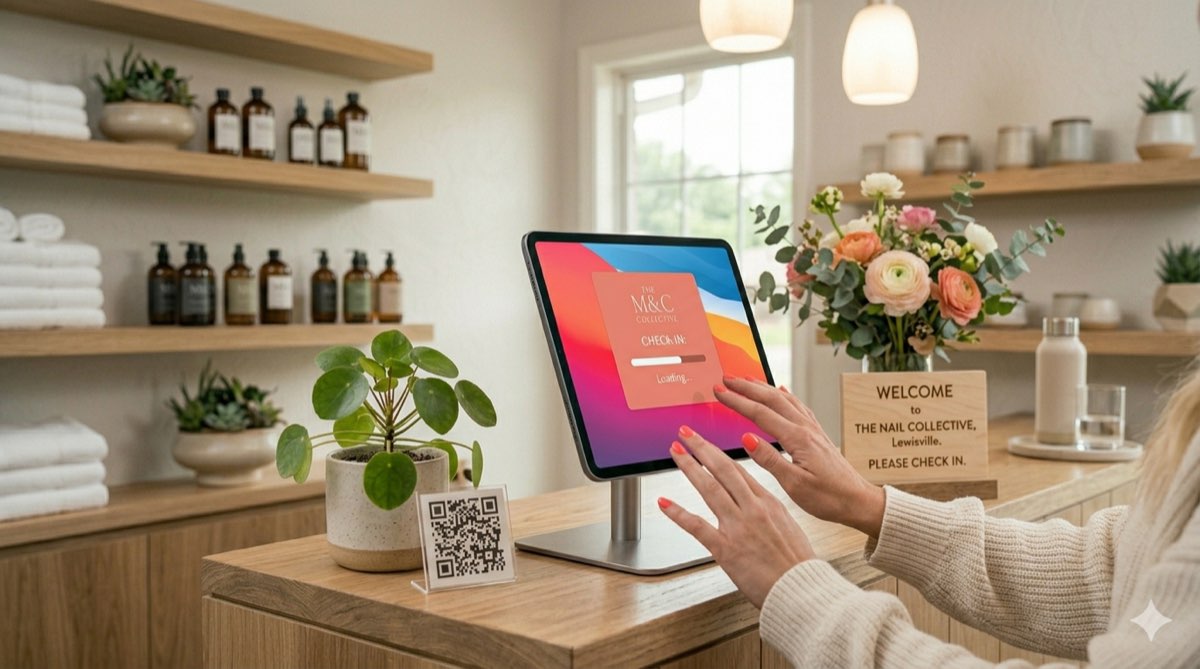
A check-in tablet for your front desk
Put a tablet at the entrance with your salon's name on it. After each client checks in, it clears itself for the next person.
Clients scan a QR code or tap a tablet at your front desk to check in. Walk-ins join a line your whole team can see.
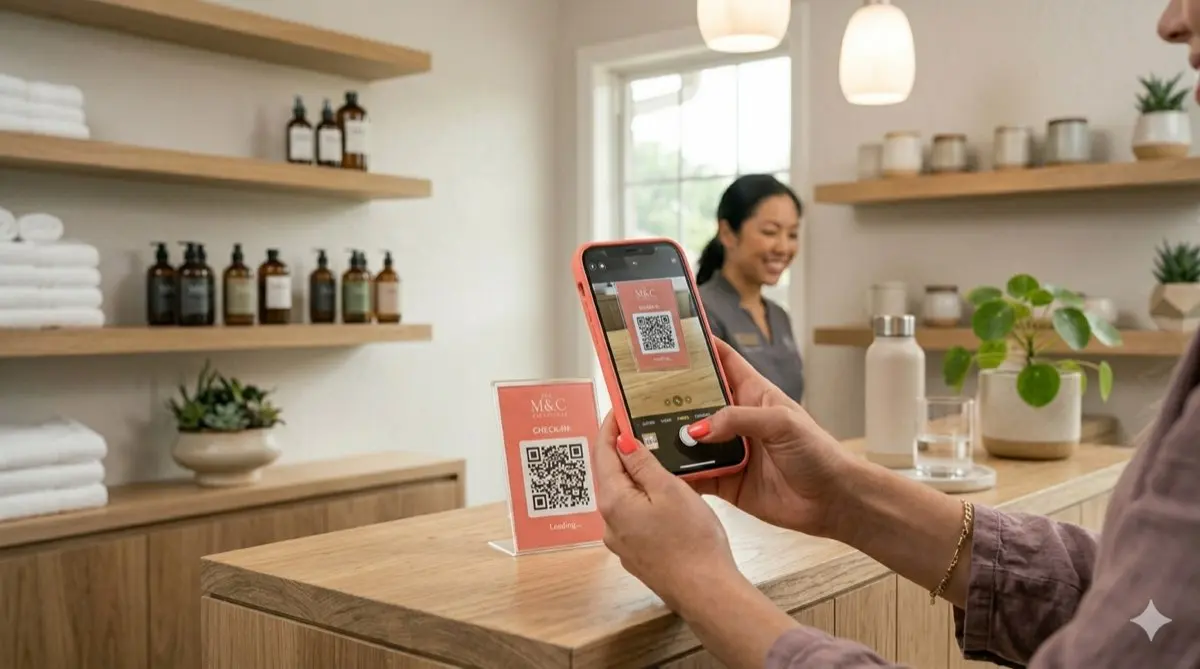
SupaDay check-in lets clients check themselves in, by scanning a QR code with their phone or on a tablet at your front desk, and adds walk-ins to your queue. It's included on both the Grow and Business plans.
Clients with an appointment find it by phone number. Walk-ins pick a favorite staff member or join the line for whoever is free next.
Clients type their phone number, SupaDay finds today's appointment and greets them by name. One tap and they're checked in.
Print your QR code and put it by the door. Clients scan it with their phone camera and check in on their own phone.
There’s more
Put a tablet at the entrance with your salon's name on it. After each client checks in, it clears itself for the next person.
As soon as a walk-in checks in, they appear on your turn tracker. Your team sees who's waiting and who's next.
Built for busy salon owners
Phone, tablet or front-desk computer. A card reader is optional, for tap-to-pay.
We walk you through your services, team and booking page, step by step.
Everyone sees their own schedule, clients and earnings — nothing confusing.
Month to month, cancel anytime. No setup fees and no commission on bookings.
No. Clients scan a QR code with their phone camera — it works in any browser, on any phone.
Yes. The check-in screen clears itself after each client, so it's ready for the next person.
Clients enter their phone number on the numpad, the system finds their appointment, and greets them by name.
Walk-ins can select a service and staff preference, then they're added to the queue. If they have no preference, they're queued for the next available staff member.
Yes. Walk-ins appear on the turn tracker the moment they check in.
Grow and Business plans.
All in one app

Set up in under an hour. Try SupaDay free for 30 days — no credit card, no contract.