Reminders go out for you
Clients get an email confirmation as soon as they book and a text reminder the day before. No more reminder calls from the front desk.
Every appointment and every staff member on one screen. Book, move and repeat appointments in seconds while reminders go out for you.
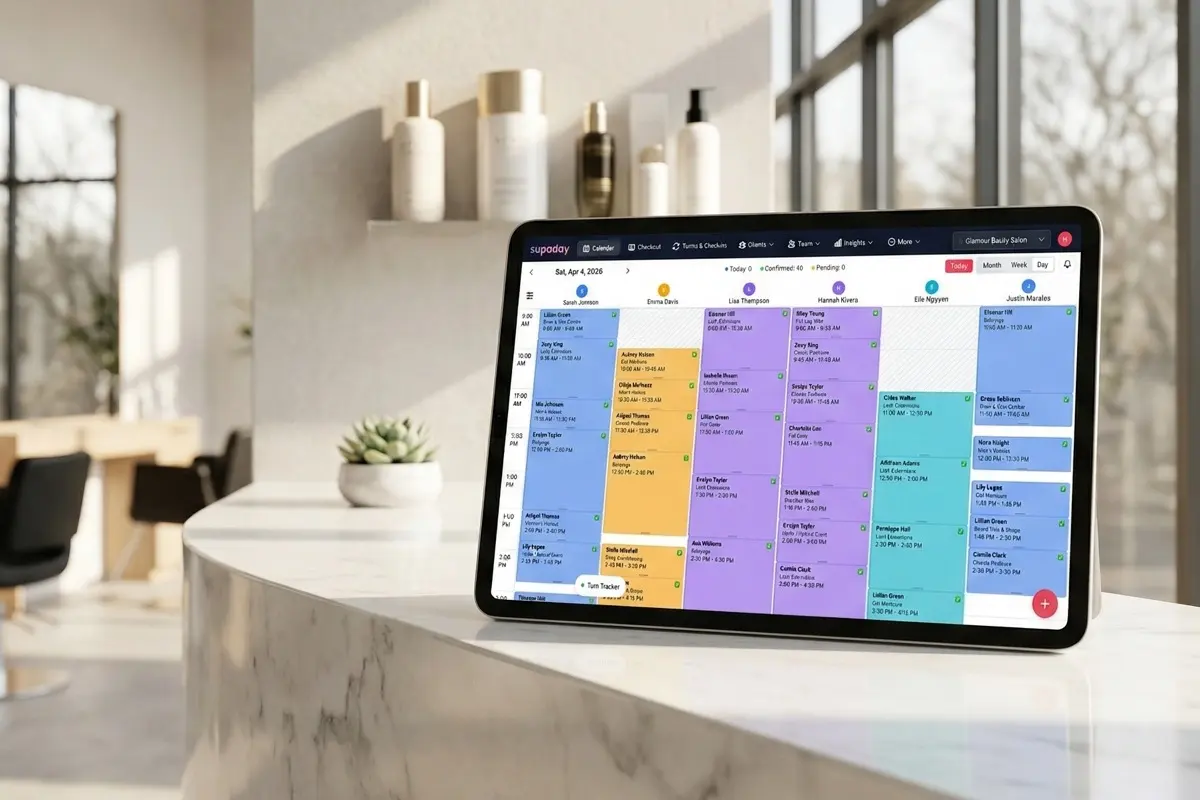
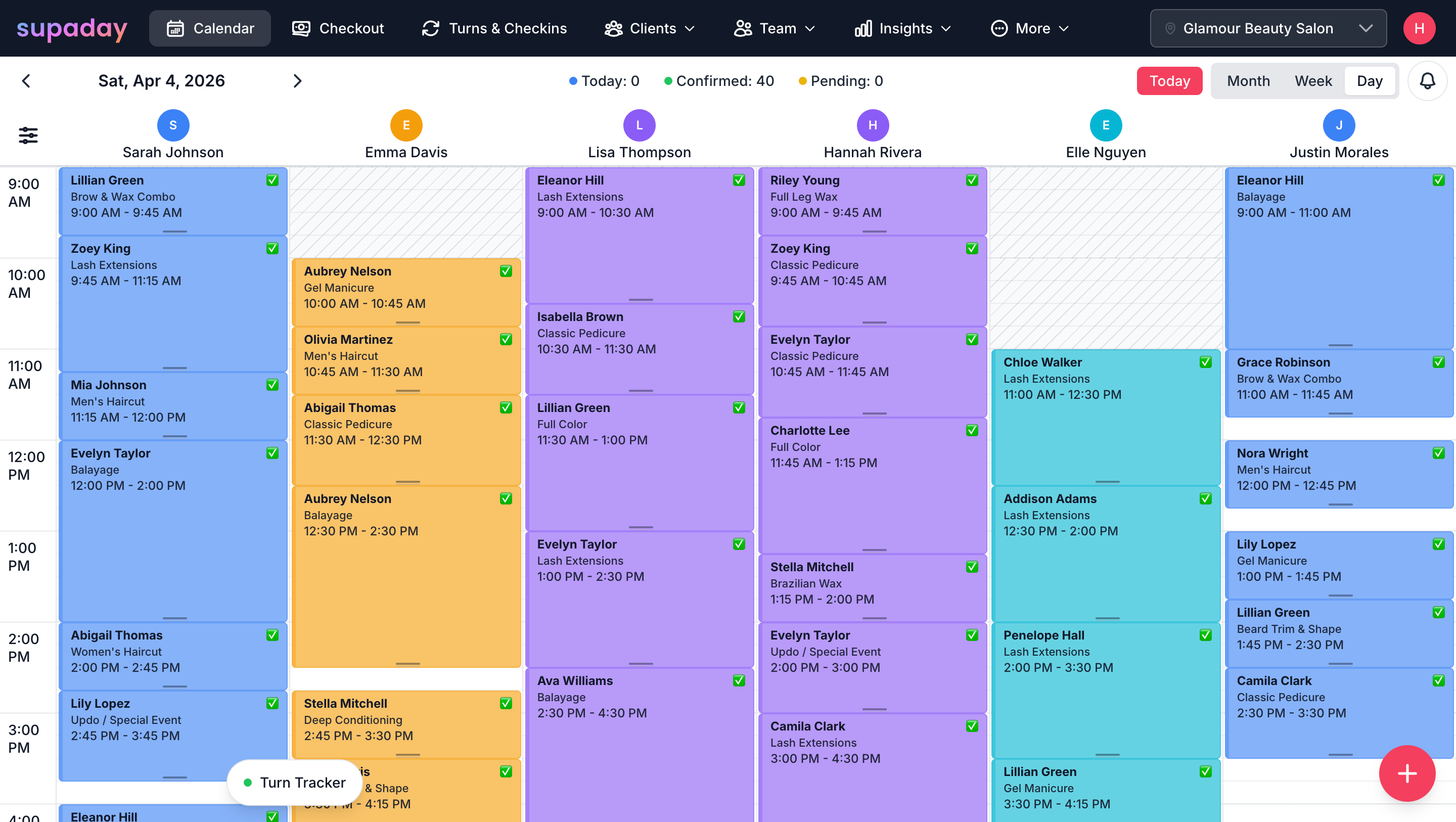
The SupaDay booking calendar shows every staff member's appointments side by side in day, week and month views, and stops two clients being booked into the same slot. It's included on both the Grow and Business plans.
See every appointment for every staff member side by side, color-coded by person. Tap a free time to add a booking — it shows up the moment it's made.
Set up a client's every-four-weeks appointment once and SupaDay books the rest. Move or skip one visit without touching the others.
Cut with Sarah and color with Emma in the same visit? Book both under one appointment so the whole visit stays linked on the calendar.
There’s more
Clients get an email confirmation as soon as they book and a text reminder the day before. No more reminder calls from the front desk.
A trim takes 20 minutes, balayage takes three hours. Set each service's length once and the calendar holds exactly that much time.
Staff can add time off, update their hours and book their own clients from their own login. You see every change on the team calendar straight away.
At the chair, at home or on holiday, open SupaDay on your phone to see the schedule, confirm appointments and check the day's takings.
Built for busy salon owners
Phone, tablet or front-desk computer. A card reader is optional, for tap-to-pay.
We walk you through your services, team and booking page, step by step.
Everyone sees their own schedule, clients and earnings — nothing confusing.
Month to month, cancel anytime. No setup fees and no commission on bookings.
FAQ
Quick, honest answers. Anything else? Email [email protected].
Yes. The calendar shows every staff member color-coded in day, week, and month views, and changes show up straight away.
No. Conflict detection prevents double-bookings automatically.
Yes. Set a daily, weekly, or monthly schedule and the system generates future sessions automatically. Edit one or the entire series.
Yes. The calendar is fully responsive across phone, tablet, and desktop.
Pending, confirmed, completed, cancelled, and no-show.
The appointment is marked as cancelled, the client is notified automatically, and the appointment's change history shows who cancelled it and when.
All in one app

Set up in under an hour. Try SupaDay free for 30 days — no credit card, no contract.