Everyone on team hours in one click
Starting fresh? Put the whole team on your salon's standard hours in one click, then adjust individual people.
Set working hours for each person, let staff add their own time off, and bookings only land when someone is actually in.

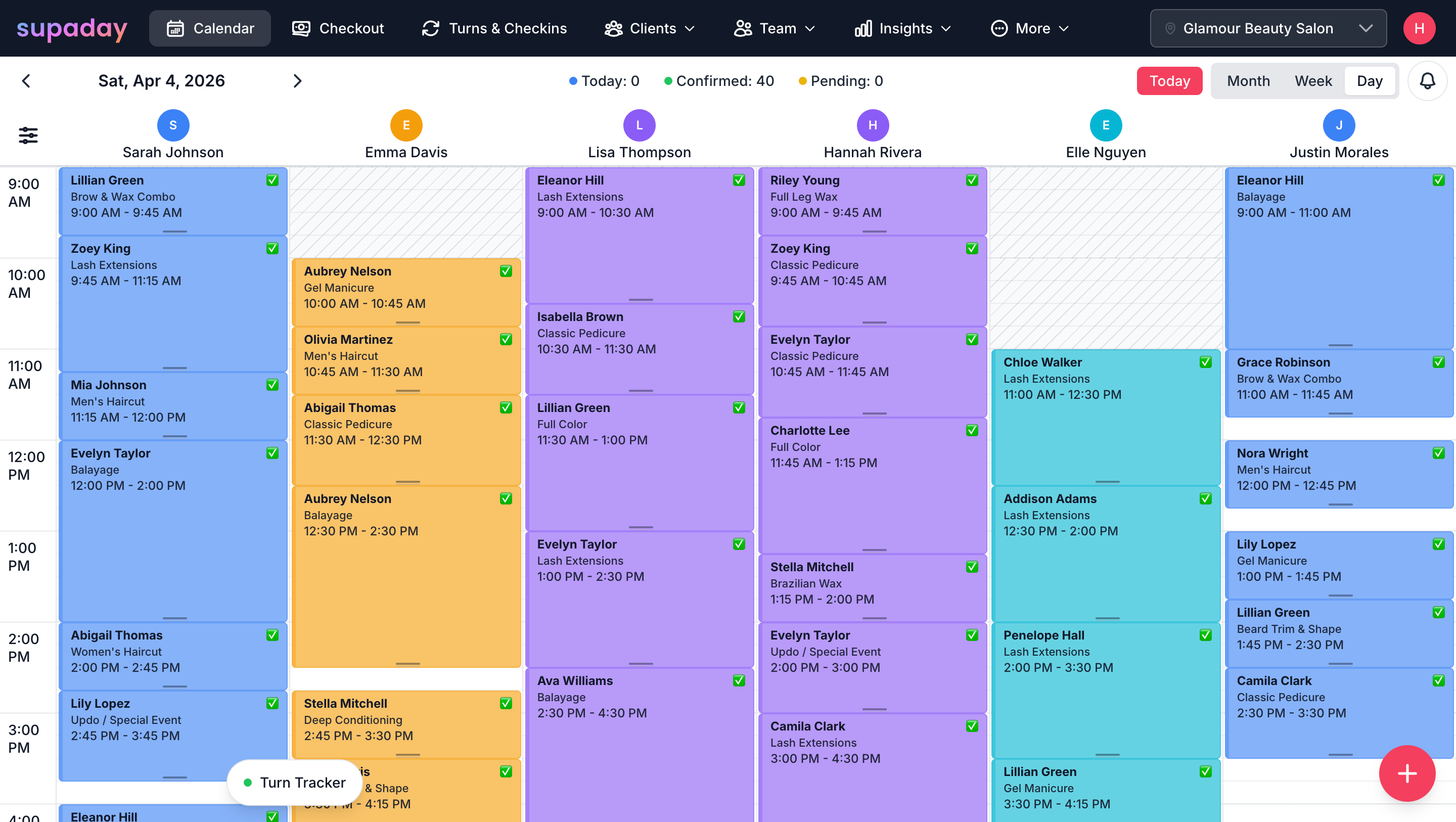
Staff scheduling in SupaDay keeps each person's working hours and time off in one place, and the calendar and online booking only offer times when they're working. It's included on both the Grow and Business plans.
Your early starter works 8 to 3, your night owl works 12 to 8. Set hours for each person and each day of the week.
Staff add their own time off. The calendar blocks it straight away and online booking stops offering those times.
Leaves early every Tuesday for school pickup? Set it once and SupaDay blocks that time every week.
There’s more
Starting fresh? Put the whole team on your salon's standard hours in one click, then adjust individual people.
Clients can only book when the person they want is working. No surprise bookings on someone's day off.
Built for busy salon owners
Phone, tablet or front-desk computer. A card reader is optional, for tap-to-pay.
We walk you through your services, team and booking page, step by step.
Everyone sees their own schedule, clients and earnings — nothing confusing.
Month to month, cancel anytime. No setup fees and no commission on bookings.
Yes. Each staff member can have unique hours per day of the week.
Yes. Staff can add time off directly. The calendar and online booking automatically block those times.
Yes. For example, if a staff member always leaves early on Tuesdays, the system blocks that pattern weekly.
Yes. One-click sync sets all staff to standard team hours. You can then adjust individuals as needed.
Both. Admins set team-level defaults, and staff can override with their own hours.
Yes. Clients can only book times when the selected staff member is actually available.
Grow and Business plans.
All in one app

Set up in under an hour. Try SupaDay free for 30 days — no credit card, no contract.