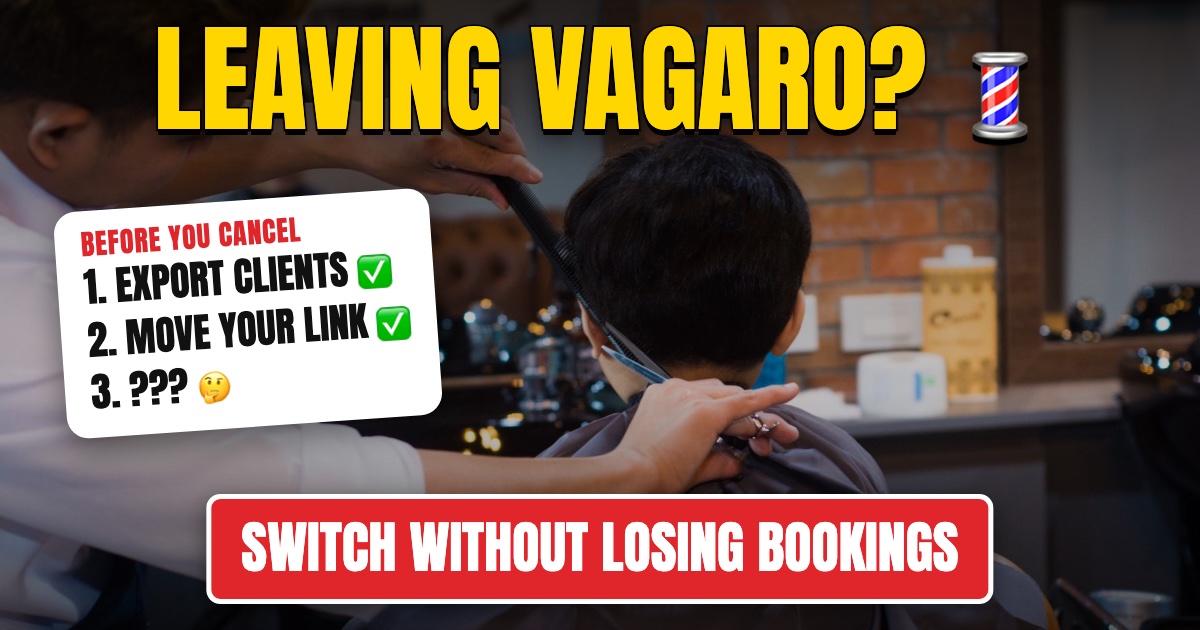
Barbers usually leave Vagaro or Booksy because the app was built for a different kind of business. Vagaro is built for every kind of salon and spa, so a barbershop pays for features it never uses and still runs the walk-in line on paper. Booksy is built around its marketplace, and its Boost program takes 30% of a new client's first visit, up to $100.
Switching sounds risky, because your book is your income. Done in the right order, clients barely notice. Here's the order.
Before you switch: what's actually wrong?
Write down the two or three things that made you look. It keeps you from swapping one wrong fit for another.
- Walk-ins run on paper or memory. You need a walk-in line with fair turn order, and neither Vagaro nor Booksy keeps track of whose turn it is.
- New-client fees. Booksy's Boost takes 30% of a new client's first visit, up to $100. Look for an app with no cut of your clients.
- Add-ons stacking up. Vagaro's base price grows with text marketing, payroll and check-in add-ons. Price the new app with everything you need included.
- Booth rent or commission. Booth-rent shops need each barber paid separately. Commission shops need the split worked out at checkout. (See how to track barber commissions without spreadsheets.)
Step 1: Get your data out
Do this first, while your old account is still fully active.
From Vagaro: the owner can run the Customer List report and export it to Excel. Gift card balances come from the Gift Cards report. Vagaro's appointment reports export as summaries, so for a list of every future booking, ask Vagaro support. Client notes may have to be copied one client at a time, so copy the ones you really use, like a regular's usual cut.
From Booksy: Booksy's help center says to ask its support team for a copy of your client list. Ask early, so you have it before you cancel.
Also write down anything clients have prepaid: gift cards, packages and memberships. You'll need to honor those balances in the new shop.
Step 2: Check what leaving costs
- Vagaro: the pricing page says you can cancel any time with no cancellation fee, but you aren't refunded for the time already paid. Text and email plans are cancelled separately, and turning one off still charges the current cycle. If you took card payments through Vagaro's merchant services, stopping before 12 months costs $150.
- Booksy: the subscription is month to month with no commitment. If you signed up through the App Store or Google Play, cancel it there. Boost has no monthly fee, but it charges per new client, so turn it off before you leave.
Step 3: Set up the new app before anyone sees it
Add your services with real prices and times, each barber with their hours, and how you pay them. Then book a few test appointments and run a test checkout. If your shop takes walk-ins, set up the walk-in line and print the check-in QR code for the door.
Ask the new app for setup help. SupaDay includes free setup help. SupaDay doesn't have a self-serve client import yet: regulars are added the first time they book online or check in, and you can add your top clients by hand from the list you exported.
Step 4: Run both apps for a week or two
Leave existing appointments where they are. New bookings go to the new app. The old app keeps working for the bookings already on it, and you don't move anything by hand.
Each morning, check both calendars until the old one is empty. A week or two is enough for most shops, since barbershop clients rebook every two to four weeks.
Step 5: Move your booking link everywhere
The link is how clients find you, so change it in every place at once:
- Instagram bio and booking button
- Google Business Profile booking link
- Facebook page
- Your website
- Any QR code or card at the front desk
(Step by step for Instagram: how to add a booking link to your Instagram.)
Step 6: Tell your regulars
Send one short text: "We moved our booking to a new app. Book your next cut here: [link]. Already booked? You're all set, nothing changes." Say whether existing appointments stay, so nobody books twice.
Step 7: Keep no-show texts running through the switch
The switch is when no-shows creep up, because the client got a confirmation from one app and a reminder from another. Turn on reminders in the new app on day one, and leave them on in the old one until its last booking is done.
What each app includes for no-shows:
| App | Booking confirmation and reminder texts | Deposits or no-show fees |
|---|---|---|
| SupaDay | Text when booked, reminder the day before once reminders are on; 500 texts/month on Grow | Deposits and cancellation fees on Grow |
| Vagaro | Reminders included on the base plan; text marketing from $20/mo | Deposits, with Vagaro's card processing |
| Booksy | Text reminder 24 hours before, no extra cost | Deposits and cancellation fees with Booksy's card payments |
| Squire | Text and email reminders | Ask Squire which plan includes them |
For more ways to cut no-shows, see how to reduce salon no-shows.
Step 8: Cancel the old app
Once the old calendar has no future bookings and the money from the last ones has been paid out, cancel. On Vagaro, the owner cancels from the subscription settings, and other locations stay active until you cancel them too. On Booksy, cancel through support or the app store you subscribed through.
What to switch to
Pick the app built for how your shop runs. A long feature list doesn't help if half of it is for spas.
- Walk-ins or a mix of walk-ins and appointments: SupaDay. It's built around the walk-in line: QR check-in, a fair turn tracker, online booking, no-show texts, checkout with tips and commissions, from $14 per barber a month, capped at $99. A 4-barber shop pays $56. See how SupaDay works for barbershops →
- Appointment-only, premium shop: Squire, with a branded app on its top plan.
- Booth renters running their own book: theCut or GlossGenius, where each barber gets their own payouts.
For full comparisons with prices, see the best barbershop software, the best Booksy alternatives for barbershops, the best Vagaro alternatives for barbers and SupaDay vs Vagaro for barbershops.
The bottom line
Switching your barbershop's booking app is mostly about order: get your client list out, set up the new app, run both for a week or two, move your link, tell your regulars, keep the reminder texts going, and cancel last. Leaving Vagaro or Booksy for an app built for barbershops usually means fewer add-ons and no cut of your new clients. And if walk-ins are a big part of your day, it means a real walk-in line.